1.Set up in-store advertising
Once the user has successfully logged in, click on the top of any page to enter the Supplier Center. Select Manage Online Shop,
Follow the prompts:
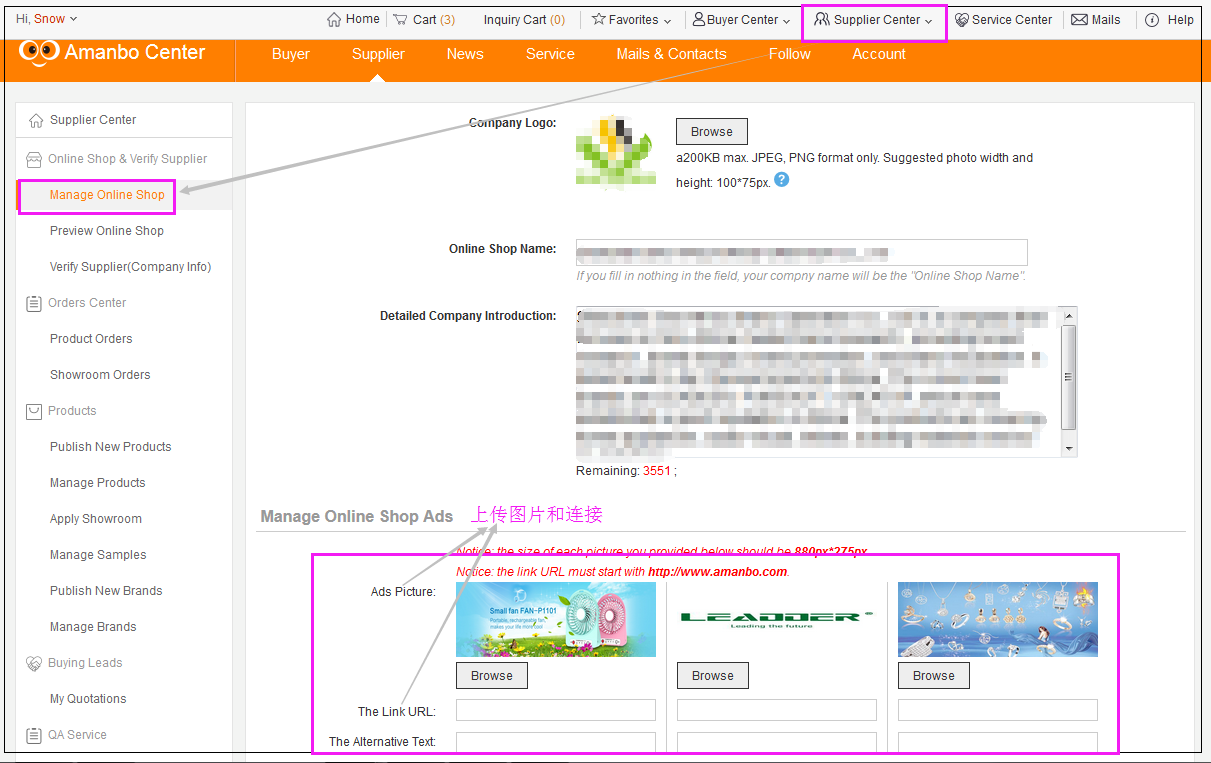
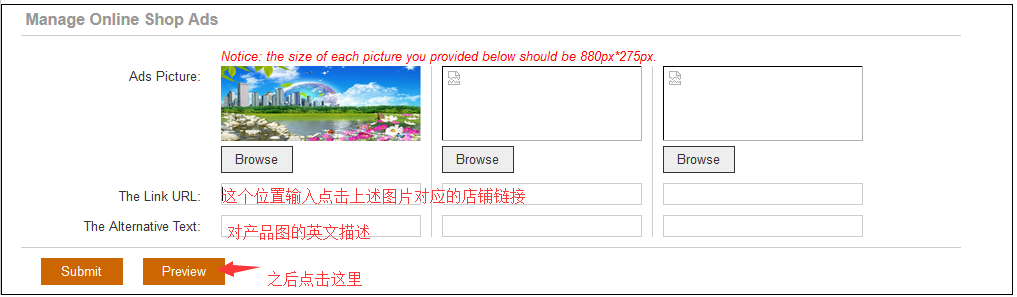
Set up Ads in Manage Online Shop Ads:
Each store has a maximum of 3 advertising Spaces, please upload pictures, add links and text description. Click Submit after the addition.
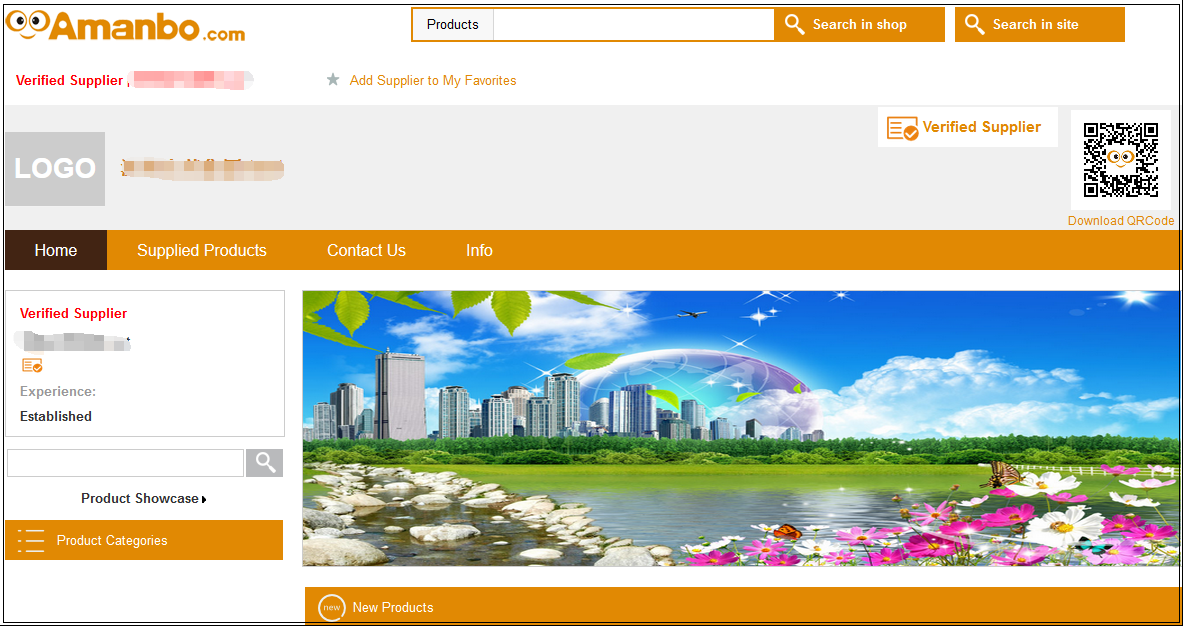
Display example:



 Home
Home Cart
Cart Favorites
 Buyer Center
 Supplier Center
 Service Center
  Help
Help 


 Computer Version
 Touch-screen Version
 APP
APP


 Amanbo Assistant